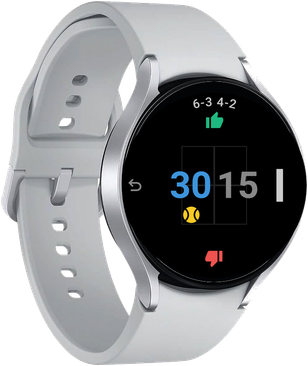
Score, serve indicator, side change—all on your wrist.
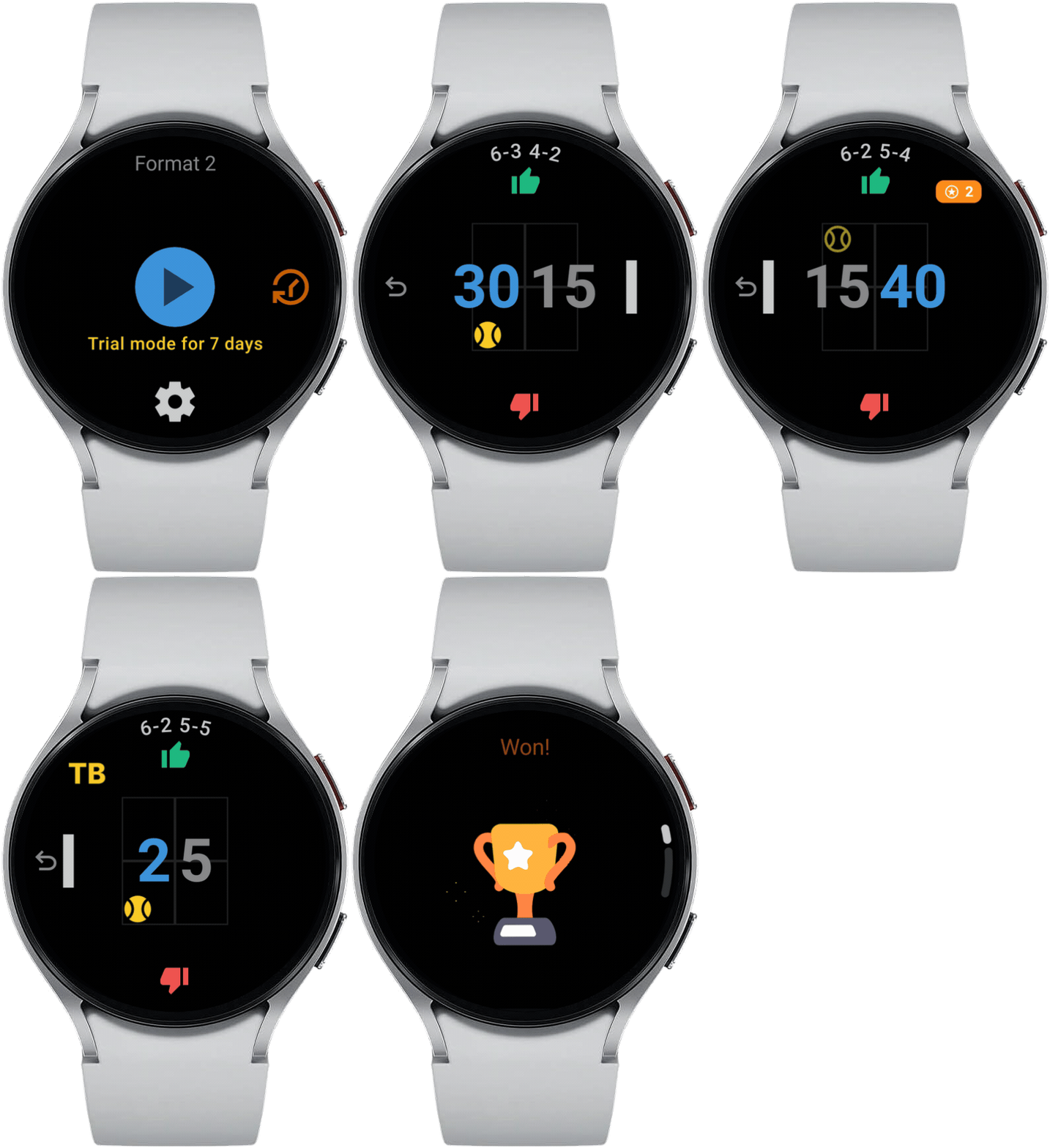
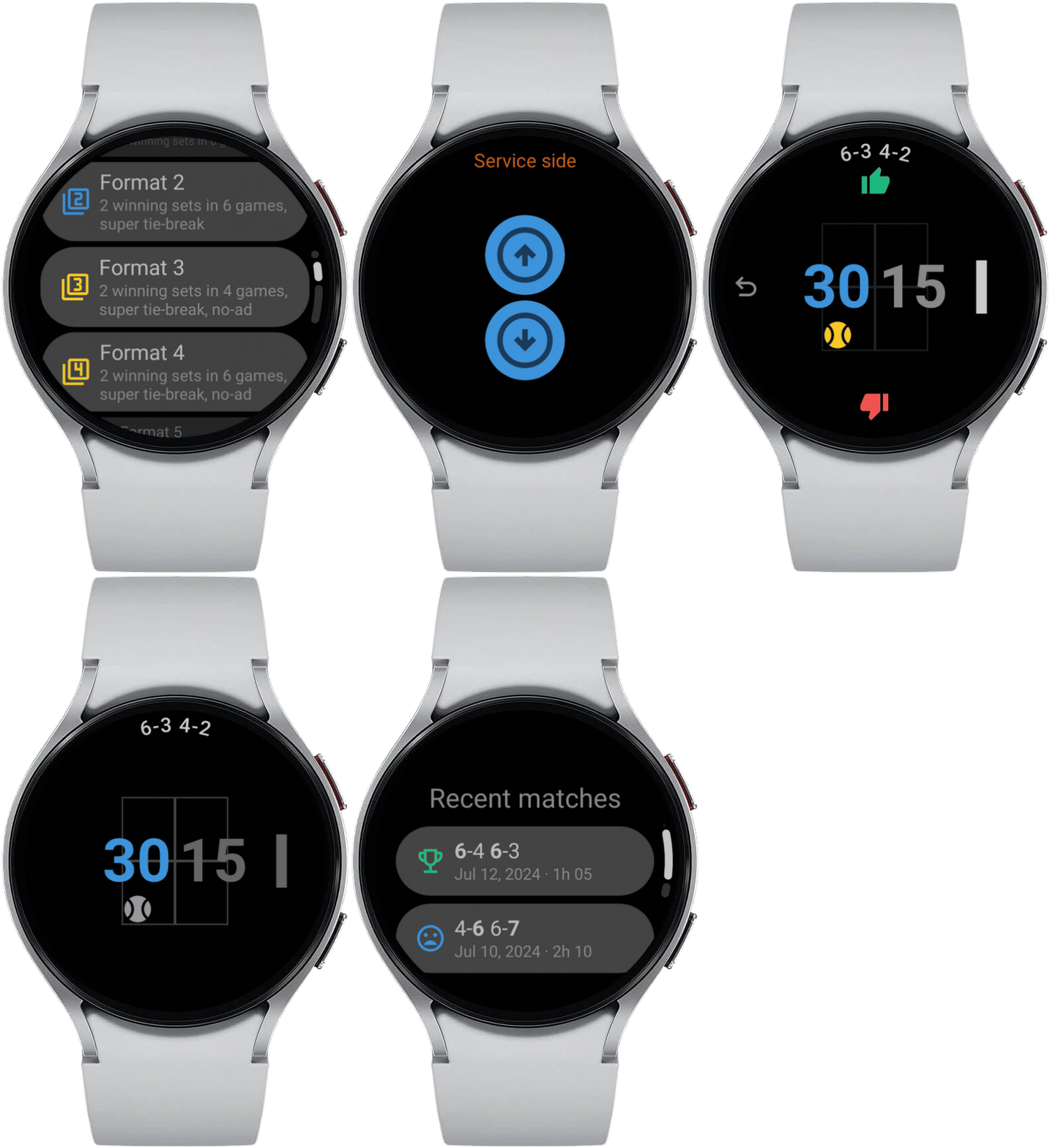
Discover the latest features. Tap any card to watch a short demo.
100% ad-free for everyone, free and premium users alike.
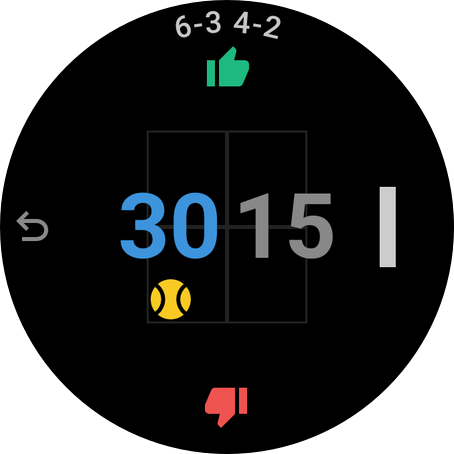
Current score of the game and match.
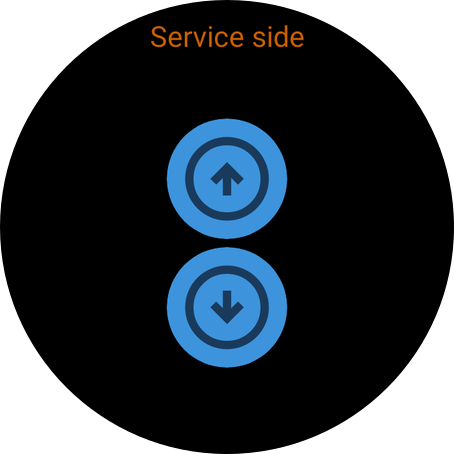
Pick who serves first with a clear service-side selection on your watch.
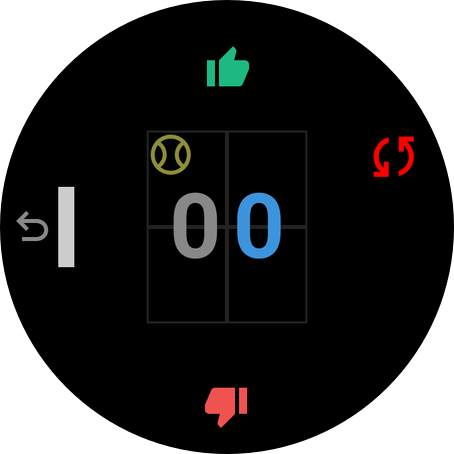
Set your court side from the judge chair and get prompted when it's time to change ends.
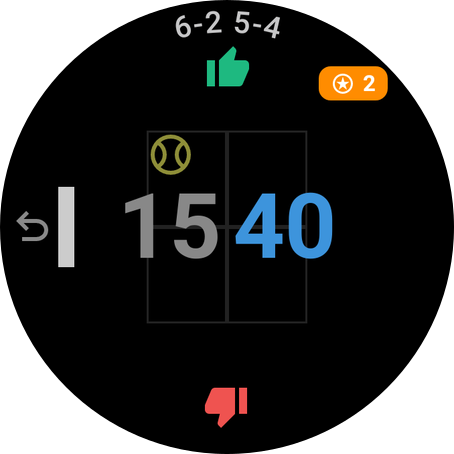
See match points at a glance with a clear match-ball indicator on your wrist.
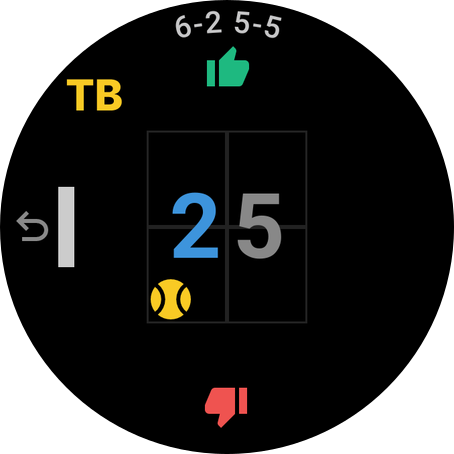
Dedicated tie-break scoring with a clear TB indicator and serve tracking.
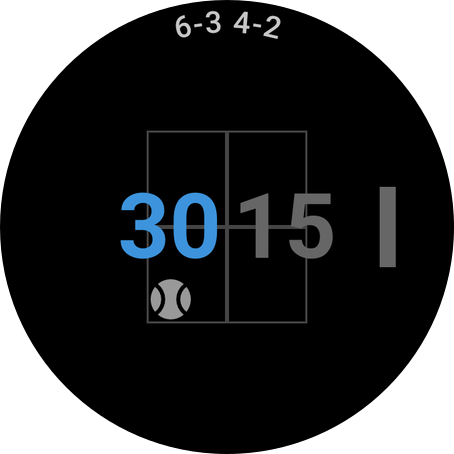
Ambient mode to always display the score on your wrist.
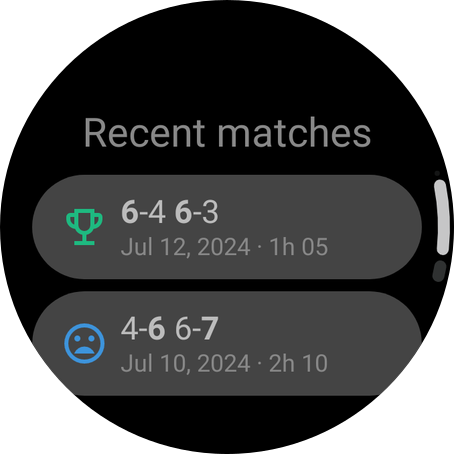
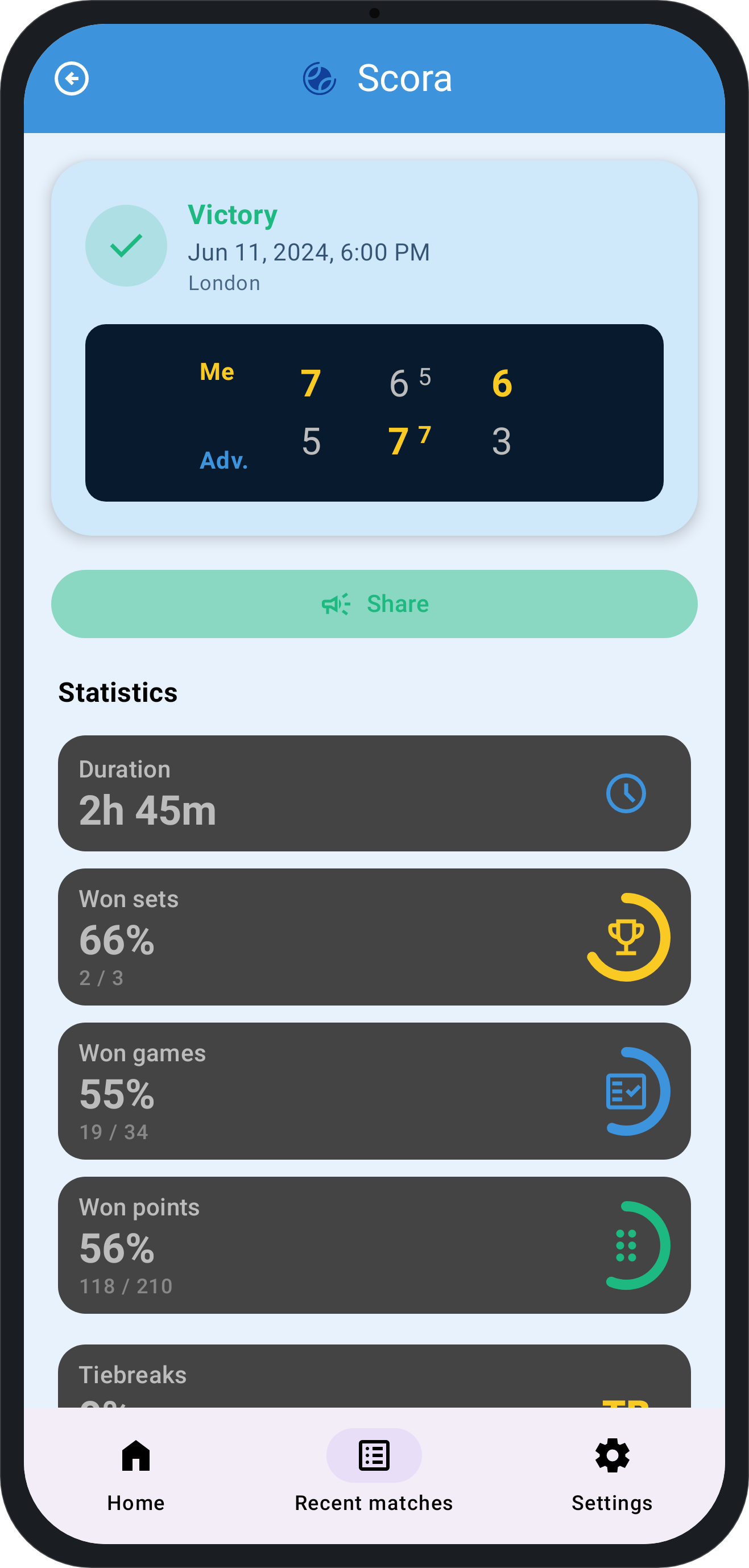
Browse recent matches on your watch and phone, with scores, duration, and results.
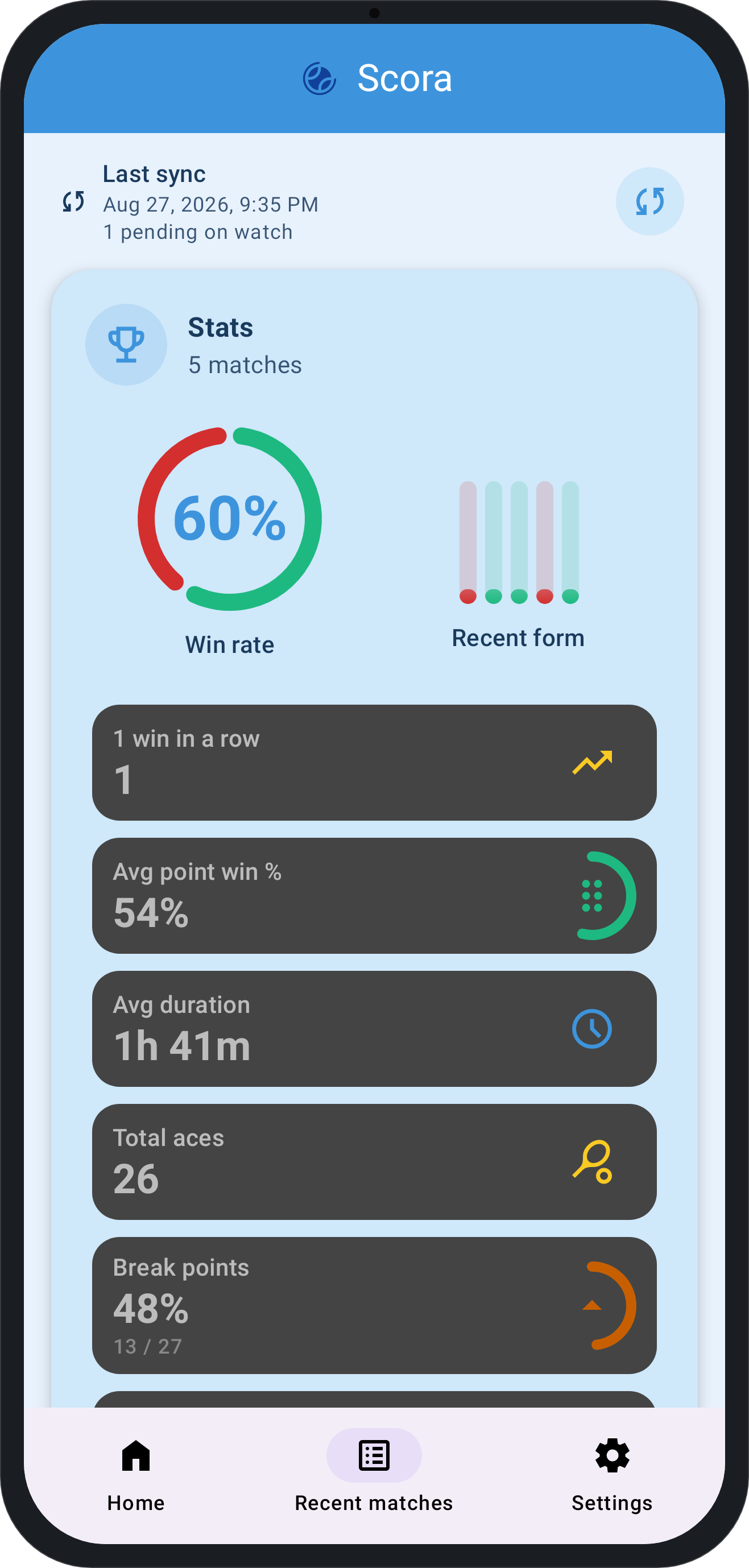
Match history and stats sync from watch to the companion app for deeper review.
No ads for anyone—free and premium users enjoy the same ad-free experience.
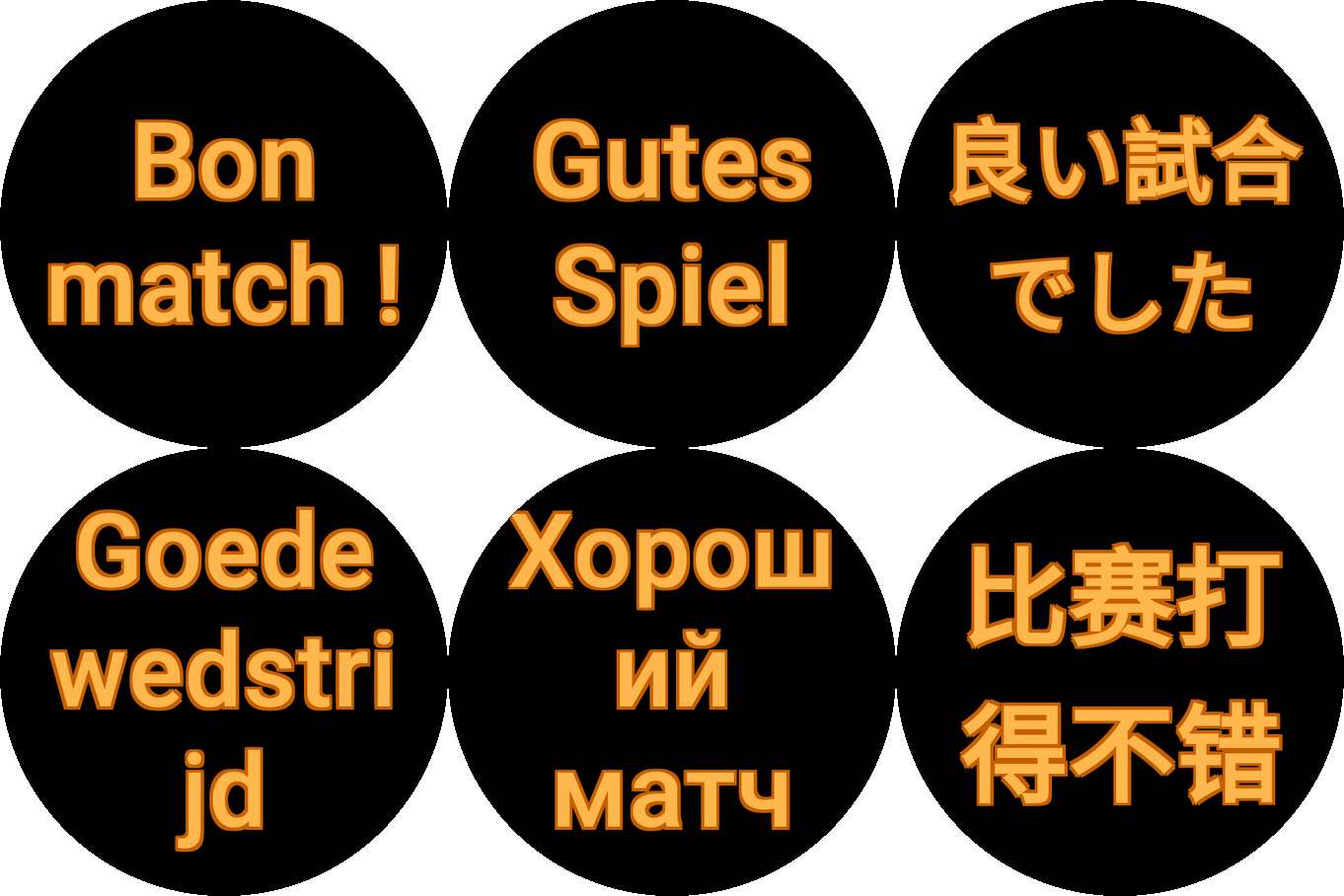
Translated into 16 languages, including English, French, German, Spanish, Italian, and more.
See Scora app usage during real game.
BE STRONGER
Try all premium features free for 7 days! After the trial, free users can play 3 matches per day. Upgrade to premium for unlimited matches and full access to all features.
All stats on your phone
After each match, review full stats on your phone: aces, winners, double faults, unforced errors, and break point conversion.
Undo
Made a wrong gesture, dont panic, you can undo as many times as you want.
Match formats
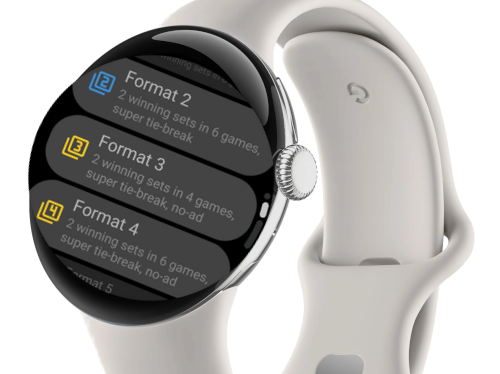
Free includes Format 1, 2, Chelem, and standalone tie-break / super / mega tie-break. Premium unlocks Formats 3–10: shorter sets, no-ad scoring, single-set and best-of-five variants.
Unlimited matches number
New users get 7 days free trial with full access. After trial, free users are limited to 3 matches per day. Upgrade to premium for unlimited matches.
Scora works on Wear OS 2.0+ smartwatches, including Samsung Galaxy Watch, Google Pixel Watch, and other Wear OS devices.
Scora is free with a 7-day trial of all premium features. After the trial, free users can play 3 matches per day. Premium removes all limits.
No. Scora runs fully on your Wear OS watch during a match—no phone needed on court. The optional Android companion app helps with installation, setup, and syncing match history and stats.
Yes. All scoring runs on-device on your watch. No internet connection is required during a match.
No. Scora is 100% ad-free for all users, both free and premium.
Scora follows ITF Rule 15: the server uses the deuce court (right) when the game point total is even, and the advantage court (left) when odd. After every point, the yellow ball indicator updates automatically—no mental arithmetic needed.
Yes. Scora shows dynamic court positioning for singles and doubles, indicating which side each player or team should be on based on the current score and official rotation rules.
No. Apple Watch is not supported—the Apple ecosystem is too complex for this app. Scora is built for Wear OS smartwatches only: Samsung Galaxy Watch, Google Pixel Watch, and other Android-compatible Wear OS devices.
Premium is approximately €4 or $4.50 (one-time purchase). The exact price depends on your country and local Google Play Store taxes.
Built on official ITF and FFT rules — every indicator is calculated, not guessed.
Scora follows ITF Rule 15: the server uses the deuce court (right) when the game point total is even, and the advantage court (left) when odd. After every point, the yellow ball indicator updates automatically—no mental arithmetic needed.
Players change ends after every odd total of games in a set (1st, 3rd, 5th game…), and after the first point of a tie-break. Scora signals this with a red icon and haptic pulse so you never miss a changeover.
Choose from Formats 1–10 and Format Chelem before each match, plus standalone tie-break, super tie-break, and mega tie-break. Free covers Format 1, 2, Chelem, and the three tie-break modes; Premium unlocks Formats 3–10 (short sets, no-ad, single-set variants, and more). All service rotation and side changes are handled automatically for every format.